
Why Choose Uniview for San Jose Properties
All Uniview cameras and network video recorders meet National Defense Authorization Act (NDAA) Section 889 compliance requirements, addressing federal prohibitions on certain foreign-manufactured surveillance equipment. This compliance matters significantly for San Jose government agencies, educational institutions, federal contractors, and businesses with government relationships requiring approved equipment.
Beyond federal requirements, NDAA compliance provides assurance regarding supply chain security and manufacturing standards. For San Jose businesses concerned about cybersecurity and data protection, choosing NDAA-compliant systems reduces risks associated with potentially compromised hardware or firmware. The growing emphasis on secure technology infrastructure makes NDAA compliance increasingly relevant even for organizations without direct federal connections.
Uniview’s proprietary imaging technologies address one of surveillance’s most persistent challenges: capturing useful footage in low-light conditions when most security incidents occur. The company’s LightHunter and ColorHunter technologies represent significant advances over traditional infrared night vision systems that produce only black-and-white images.
LightHunter Technology delivers vivid color, appropriate brightness, and extremely clear images in ultra-low light conditions down to 0.003 lux illumination. The technology combines F1.6 large iris design with back-illuminated (BSI) sensors that improve photosensitivity and signal-to-noise ratio. Uniview’s patented U-ISP (Intelligent Signal Processing) algorithm further enhances definition and brightness while reducing blur during motion, ensuring images accurately reflect true scenes even in challenging lighting.
ColorHunter Technology advances low-light imaging further by integrating supplemental warm LED lighting with large F1.0 apertures and advanced 1/1.8-inch BSI sensors. ColorHunter cameras capture full-color images in near-darkness, providing critical information like clothing colors, vehicle paint colors, and facial features that monochrome infrared systems cannot deliver. For San Jose businesses dealing with theft investigations or safety incidents, this color information proves invaluable for identification and evidence.
The practical significance becomes clear when comparing images captured in identical low-light conditions. While traditional infrared cameras produce grainy black-and-white footage where subjects blend into backgrounds, ColorHunter cameras deliver clear, colorful images with easily identifiable details. This performance advantage can mean the difference between successfully resolving security incidents and having unusable footage.
Uniview occupies a strategic position in the security camera market, delivering image quality and features comparable to premium brands like Axis Communications while maintaining pricing closer to economy alternatives. This value proposition resonates strongly with San Jose property owners seeking professional-grade surveillance without enterprise budgets.
The company maintains tighter inventory control than many competitors, ensuring product availability and quality consistency while supporting direct technical support that actually answers phones with English-speaking representatives. Uniview’s comprehensive three-year warranty on all equipment provides additional long-term value protection beyond standard one or two-year coverages common in the industry.
For San Jose businesses evaluating surveillance investments, Uniview’s cost-effectiveness enables deployment of more cameras within fixed budgets or allocation of saved funds toward professional installation and advanced features. The combination of quality equipment, reliable support, and competitive pricing makes Uniview particularly attractive for small to medium-sized businesses that represent a significant portion of San Jose’s economy.
Uniview offers comprehensive camera selections addressing virtually every surveillance requirement. The product portfolio spans from affordable Easy Series cameras suitable for basic residential monitoring to advanced Pro Series models with professional features like 45x optical zoom, gyroscope stabilization, and optical defog for demanding applications.
Specialized cameras include license plate recognition models optimized for vehicle monitoring, fisheye cameras providing 360-degree coverage, panoramic multi-sensor cameras eliminating blind spots, thermal imaging cameras for complete darkness operation, and solar-powered cameras for off-grid installations. This breadth ensures San Jose property owners can specify optimal equipment for each monitoring location rather than compromising with one-size-fits-all solutions.
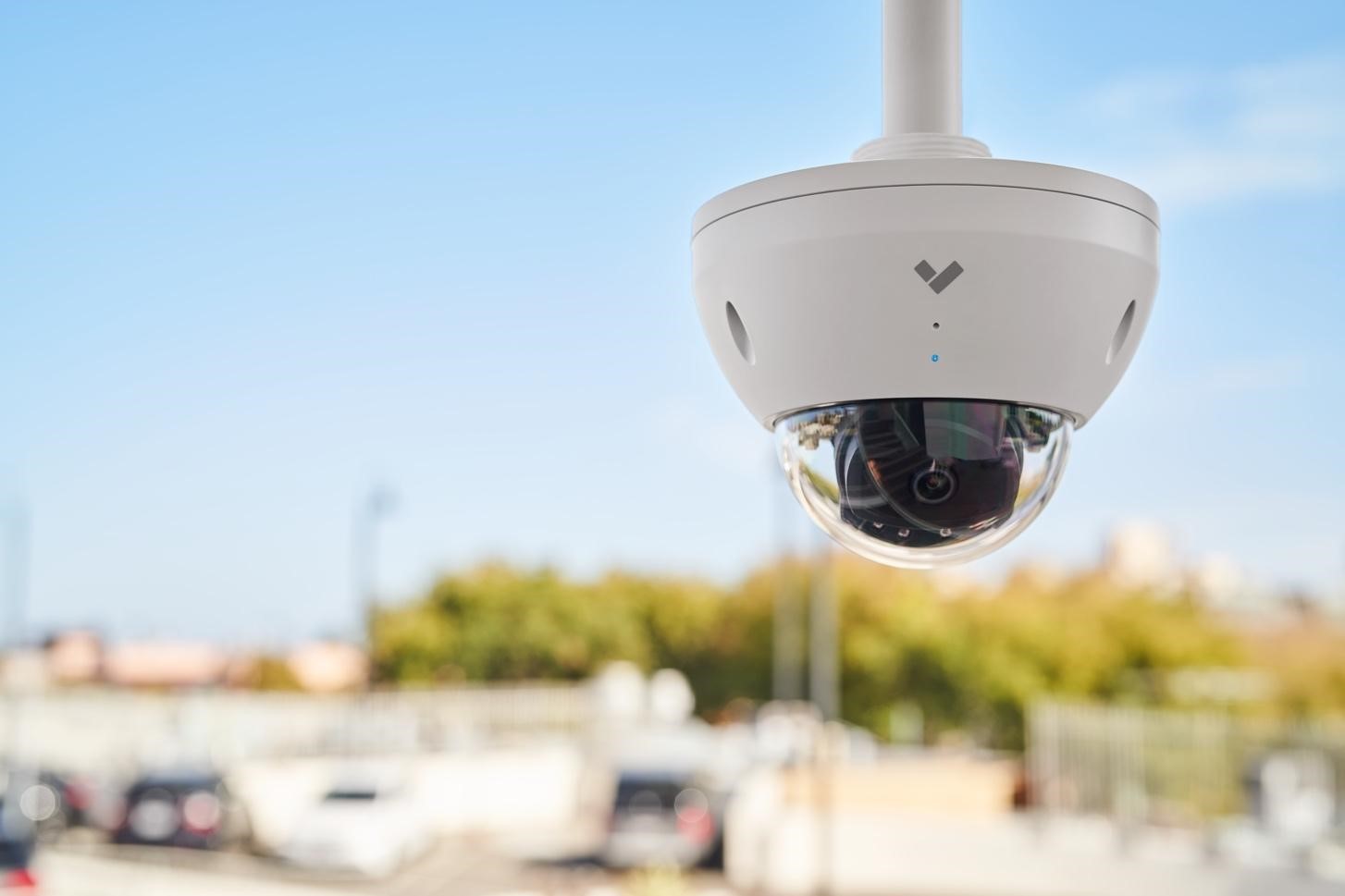
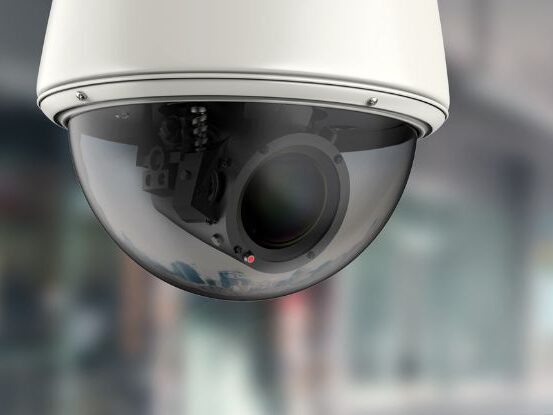
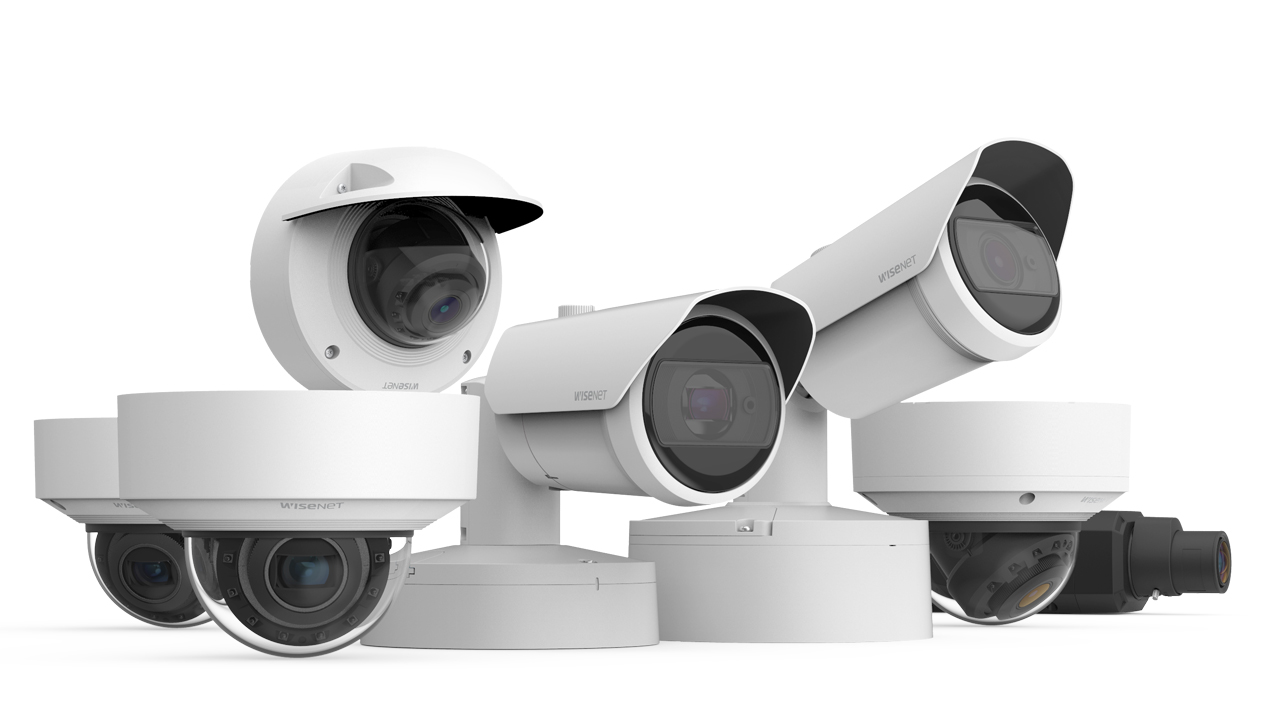
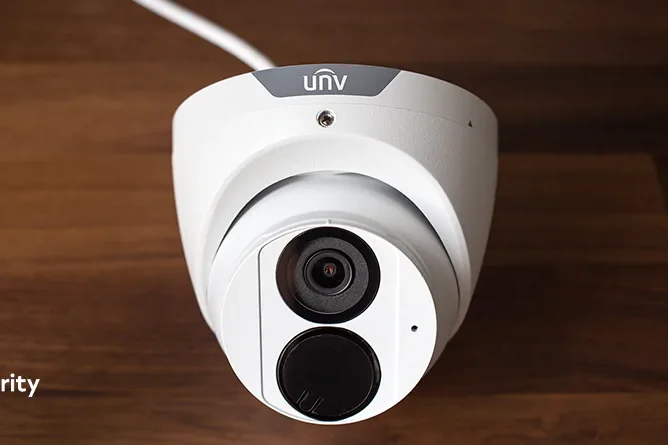
The variety extends to form factors including turret cameras combining dome discretion with easy installation, bullet cameras for focused outdoor surveillance, dome cameras for vandal-resistant applications, and PTZ cameras offering pan-tilt-zoom capabilities for dynamic monitoring. Installation flexibility proves particularly valuable in San Jose’s diverse architectural landscape ranging from historic Victorian homes to modern high-rise office buildings.
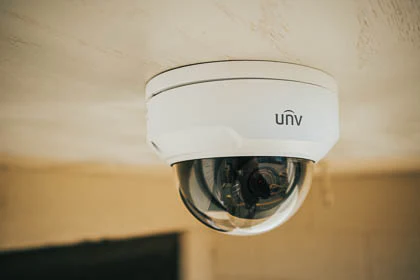
Our Brands
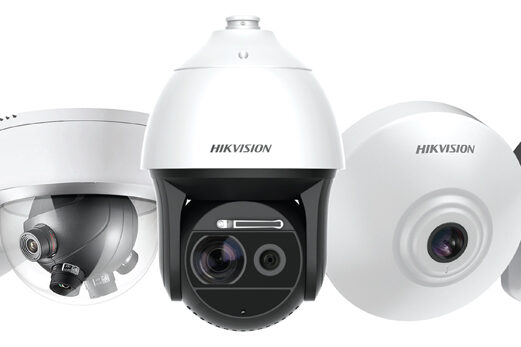
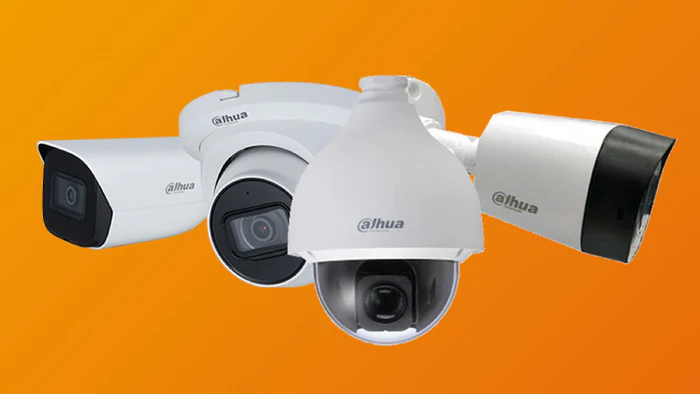
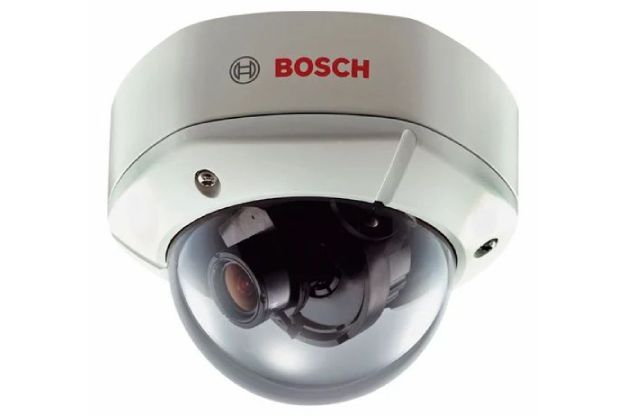
Understanding Uniview Camera Product Lines
Uniview’s Easy Series represents the entry point for security surveillance, targeting residential applications and small retail stores with straightforward requirements. These cameras deliver reliable performance at accessible price points, making professional-grade surveillance attainable for budget-conscious property owners.
Easy Series cameras typically feature 2MP to 5MP resolution, fixed lenses ranging from 2.8mm to 4mm for standard coverage areas, basic motion detection, and infrared illumination up to 30 meters. Weather-rated models carry IP67 ratings for outdoor installations, while indoor variants focus on compact designs suitable for residential aesthetics.
Despite entry-level positioning, Easy Series cameras incorporate Power over Ethernet support, H.265 compression for efficient bandwidth and storage utilization, and compatibility with Uniview NVRs for plug-and-play installation. San Jose homeowners can deploy professional surveillance systems without technical expertise or ongoing subscription fees, controlling total ownership costs while maintaining effective monitoring.
Prime Series cameras target mid-market applications requiring enhanced features and performance beyond basic surveillance. These cameras incorporate Uniview’s advanced imaging technologies including LightHunter for superior low-light performance, ColorHunter for full-color nighttime monitoring, and Smart Intrusion Prevention powered by AI algorithms.
Resolution options span 4MP to 8MP with both fixed and varifocal lenses enabling installation flexibility and precise field-of-view adjustment. Prime Series cameras feature larger sensors (1/2.7-inch to 1/1.8-inch) compared to Easy Series, delivering better image quality particularly in challenging lighting conditions common at San Jose building entrances where bright exterior sunlight contrasts with shadowy interiors.
Smart analytics integrated into Prime Series include human detection, vehicle detection, intrusion detection, line crossing detection, and face detection. These AI-powered features significantly reduce false alarms by distinguishing between security-relevant events and environmental triggers like swaying trees, small animals, or weather patterns. For San Jose businesses, reduced false alarms translate to more efficient security operations and fewer wasted resources investigating irrelevant alerts.
Prime Series PTZ cameras add dynamic monitoring capabilities with pan, tilt, and zoom functions enabling operators to actively track subjects or investigate areas of interest. Auto-tracking features automatically follow detected motion, maintaining focus on subjects as they move through monitored areas. These capabilities prove particularly valuable for San Jose parking structures, retail stores, and warehouses requiring comprehensive coverage with minimal camera counts.
Pro Series cameras address demanding vertical market requirements with professional features and superior performance specifications. These advanced cameras target applications like border security, harbor monitoring, city surveillance, and critical infrastructure protection where image quality, reliability, and sophisticated features justify premium pricing.
Pro Series PTZ cameras incorporate up to 45x optical zoom enabling detailed monitoring of distant subjects, gyroscope stabilization compensating for vibration in challenging mounting locations, optical defog technology maintaining visibility in San Jose’s occasional foggy conditions, and laser illumination extending nighttime visibility to extraordinary distances exceeding 500 meters.
Advanced imaging capabilities include wide dynamic range up to 140dB for extreme contrast situations, multiple streaming protocols for integration flexibility, and redundant power inputs for mission-critical installations. Pro Series cameras often feature ruggedized construction exceeding standard IP67 ratings, operating temperature ranges from -40°C to 70°C, and enhanced cybersecurity features for sensitive deployments.
While Pro Series cameras exceed requirements for typical San Jose residential or small business applications, they provide appropriate solutions for municipal installations, university campuses, hospital complexes, and large industrial facilities where security demands justify advanced capabilities and professional-grade reliability.
Tri-Guard Series combines Smart Intrusion Prevention, ColorHunter imaging, and Active Deterrence into unified cameras. These systems not only detect and record security events but also actively respond with red and blue flashing lights plus two-way audio warnings to deter intruders before incidents escalate. The red and blue lighting proves more noticeable than white light, particularly in low-visibility weather conditions like fog or rain common in San Jose during winter months.
MultiView Series incorporates multiple image sensors in single camera housings to provide both panoramic overviews and detailed close-up views simultaneously through one IP address. Dual-lens configurations combine fixed panoramic lenses with motorized zoom lenses, capturing wide-area context while enabling detailed examination of specific subjects. This design reduces installation complexity and costs for San Jose retail spaces, campuses, and public venues requiring comprehensive situation awareness.
OmniView Series delivers ultra-wide 180-degree field of view through advanced lens designs, eliminating blind spots and simplifying installation. Single OmniView cameras can replace two or three conventional cameras, reducing equipment costs, installation labor, network load, and storage requirements. For San Jose parking lots, building corridors, and reception areas, OmniView cameras provide complete coverage with minimal infrastructure.
Solar-Powered Series addresses off-grid surveillance requirements with integrated solar panels, battery systems, and 4G cellular connectivity. These self-contained systems enable monitoring in remote locations, construction sites, or temporary installations where running power and network cables would be impractical or prohibitively expensive. San Jose’s abundant sunshine makes solar-powered cameras particularly viable for local deployments.
San Jose Security Camera Regulations
Operating security cameras in California requires careful attention to privacy regulations that have become increasingly comprehensive. California Penal Code Section 647 explicitly prohibits installing cameras in areas where individuals maintain reasonable privacy expectations, including bathrooms, locker rooms, changing areas, hotel rooms, and residential bedrooms. Violations can result in criminal misdemeanor charges, civil liability up to $1,000 plus attorney fees, and potential removal orders.
The Workplace Technology Accountability Act, implemented January 1, 2025, requires employers to provide employees with 14-day advance written notice explaining all surveillance technologies used in workplaces. This notification must detail what monitoring occurs, how data is collected and used, retention periods, and employee rights. San Jose businesses must ensure their Uniview installations comply with this notification requirement, documenting all workplace surveillance and maintaining records of employee notifications.
California’s two-party consent law governs audio recording under Penal Code Section 632. While video recording is generally permissible in public areas and workplaces without consent, audio recording requires consent from all parties being recorded. Many Uniview cameras include built-in microphones capable of audio recording; however, San Jose businesses should carefully evaluate whether to enable this feature given legal complexity and liability exposure. Most commercial installations disable audio recording or implement clear consent protocols before activation.
The San Jose Police Department’s Connect San Jose program encourages voluntary security camera registration to enhance community safety through public-private partnerships. The program offers two participation levels compatible with Uniview systems:
Level 1: Camera Registration enables property owners to register security cameras through a secure online portal accessible at connectsanjose.org. This voluntary registration documents camera locations creating a database investigators can reference when requesting footage following incidents. Registration takes less than one minute, requires no equipment installation, grants no law enforcement access to live feeds, and involves no ongoing obligations. Property owners maintain complete control over their footage, responding to voluntary information requests at their discretion.
Level 2: Camera Integration through Fusus CORE devices enables businesses and residents to provide conditional real-time access to camera feeds during nearby emergencies. Property owners retain control over access permissions through explicit authorization requirements, with all data protected by AES 256-bit encryption. The system does not employ facial recognition technology, focusing instead on rapid evidence gathering and emergency response coordination. Participation remains voluntary with ability to revoke access at any time.
Uniview’s ONVIF-compliant cameras and network video recorders integrate seamlessly with both registration levels. The systems’ standard network connectivity enables instant sharing of recorded footage through secure links when property owners respond to investigation requests. For Level 2 participation, Uniview NVRs’ RTSP streaming capabilities work with Fusus integration devices, though most San Jose property owners currently participate only at Level 1 documentation level.
California requires contractors installing security systems exceeding $500 in value on commercial and public properties to hold valid State Contractors Licenses, specifically C-10 Electrical or C-7 Low Voltage classifications. Licensed contractors must display license numbers on all advertisements and company materials, maintain appropriate liability insurance coverage, and warranty installations according to updated 2025 regulations.
Many San Jose and Santa Clara County jurisdictions require permits before installing surveillance systems, particularly for commercial installations or projects involving extensive wiring modifications. Permit requirements vary by specific location, property type, and installation scope. Simple residential installations typically require no permits unless involving new electrical circuits or significant structural modifications. However, commercial installations often trigger permit requirements even for straightforward equipment mounting.
Professional installers familiar with local regulations can determine whether permits are necessary for specific projects and handle application processes. Permit costs typically range from $100 to $300 depending on jurisdiction and project scope, with processing times varying from same-day approval for simple installations to several weeks for complex commercial projects requiring plan review.
San Jose Uniview installations should incorporate these compliance measures ensuring legal operation and minimizing liability exposure:
Install cameras only in areas lacking reasonable privacy expectations, focusing on building entrances, parking areas, loading docks, retail sales floors, common spaces, and publicly accessible zones. Even within private businesses, avoid monitoring private offices, break rooms, or employee-only areas without explicit business justification and proper consent procedures.
Utilize clear, visible signage informing individuals they are entering monitored areas. While California law doesn’t strictly require such notification in public spaces, prominent signage serves multiple purposes: deterring potential criminals who may choose other targets, demonstrating good-faith privacy practices that can support legal positions if disputes arise, and potentially reducing liability by establishing notice that monitoring occurs.
Carefully evaluate whether to enable audio recording features on Uniview cameras equipped with built-in microphones. Legal risks associated with California’s two-party consent requirements generally outweigh potential benefits for most installations. If audio recording is deemed necessary for specific business purposes, implement clear consent protocols, notification systems, and documentation procedures ensuring all parties understand and agree to audio monitoring.
Establish comprehensive data retention policies storing footage only as long as reasonably necessary for security purposes—typically 14 to 30 days unless required for ongoing investigations or legal proceedings. Excessive retention periods increase liability exposure by maintaining potentially sensitive footage beyond useful timelines while consuming storage resources and increasing costs. Uniview NVRs enable automated overwrite scheduling ensuring old footage deletion according to policy without manual intervention.
Maintenance and System Optimization
Physical camera maintenance preserves image quality and extends equipment lifespan. Clean camera lenses quarterly using microfiber cloths and approved lens cleaning solutions, avoiding abrasive materials that scratch optical coatings. For San Jose outdoor cameras, more frequent cleaning may be necessary during dry dusty summers or after storms depositing debris. Inspect camera housings for moisture accumulation, damaged weather seals, or insect intrusion that could compromise electronics.
Firmware updates address security vulnerabilities, fix bugs, and introduce feature improvements. Check Uniview’s official website quarterly for firmware releases for cameras and NVRs. Read release notes carefully understanding changes, improvements, and potential compatibility impacts before updating. Always backup NVR and camera configurations before firmware updates enabling restoration if updates cause unexpected issues. Follow manufacturer update procedures precisely preventing device failures requiring professional service.
Storage management ensures adequate recording capacity and data integrity. Monitor NVR storage utilization confirming adequate free space for continuous recording. Review storage health indicators through NVR interfaces identifying drives showing errors or performance degradation. Test recording playback monthly verifying stored footage remains accessible and plays properly—drive failures sometimes occur silently until attempting to access critical footage. Replace failing drives immediately maintaining redundancy if using RAID configurations.
Network infrastructure maintenance maintains reliable connectivity and performance. Verify PoE switch operations checking port status LEDs confirming all cameras maintain power and network connections. Test internet connectivity speeds quarterly ensuring adequate bandwidth remains available for camera traffic and remote access. Review router and switch logs identifying unusual activity patterns, connection errors, or bandwidth saturation issues requiring attention.
User account management maintains access control integrity. Review user accounts quarterly disabling those no longer requiring system access. Update passwords annually using strong unique credentials for each account. Verify user permission levels remain appropriate for current roles, restricting administrative access to essential personnel while providing operators and viewers limited access matching their responsibilities.
Performance Optimization
Image settings optimization ensures cameras capture highest quality footage possible under actual site conditions. Adjust exposure compensation for cameras monitoring areas with challenging lighting like building entrances where bright exterior light contrasts with darker interiors. Fine-tune white balance if color rendering appears inaccurate, though auto white balance works well for most installations. Enable or adjust wide dynamic range (WDR) for extreme contrast situations ensuring both bright and dark areas remain visible simultaneously.
Motion detection refinement improves alert accuracy while reducing false alarms. After observing system performance for several weeks, adjust detection zones more precisely excluding specific areas generating false triggers. Modify sensitivity thresholds if receiving excessive nuisance alerts or missing genuine events. Enable smart detection features like human/vehicle classification if cameras support these capabilities, focusing alerts on security-relevant activities rather than every detected motion.
Recording schedule optimization balances security requirements against storage consumption and equipment wear. Consider motion-triggered recording during low-risk periods rather than continuous recording, extending storage retention while reducing disk wear. Establish different recording schedules for different cameras based on area risk levels—continuous recording for cash handling areas and parking lots, motion-triggered recording for low-traffic corridors or back offices.
Network bandwidth optimization prevents surveillance traffic from impacting other applications. Adjust camera sub-stream settings reducing remote viewing bandwidth consumption while maintaining full-resolution main stream recording. Configure frame rate limitations for cameras monitoring relatively static scenes reducing bandwidth and storage consumption without sacrificing useful footage quality. Implement bandwidth limits during peak business hours if network congestion occurs, relaxing limits during off-hours.
Image settings optimization ensures cameras capture highest quality footage possible under actual site conditions. Adjust exposure compensation for cameras monitoring areas with challenging lighting like building entrances where bright exterior light contrasts with darker interiors. Fine-tune white balance if color rendering appears inaccurate, though auto white balance works well for most installations. Enable or adjust wide dynamic range (WDR) for extreme contrast situations ensuring both bright and dark areas remain visible simultaneously.
Motion detection refinement improves alert accuracy while reducing false alarms. After observing system performance for several weeks, adjust detection zones more precisely excluding specific areas generating false triggers. Modify sensitivity thresholds if receiving excessive nuisance alerts or missing genuine events. Enable smart detection features like human/vehicle classification if cameras support these capabilities, focusing alerts on security-relevant activities rather than every detected motion.
Recording schedule optimization balances security requirements against storage consumption and equipment wear. Consider motion-triggered recording during low-risk periods rather than continuous recording, extending storage retention while reducing disk wear. Establish different recording schedules for different cameras based on area risk levels—continuous recording for cash handling areas and parking lots, motion-triggered recording for low-traffic corridors or back offices.
Network bandwidth optimization prevents surveillance traffic from impacting other applications. Adjust camera sub-stream settings reducing remote viewing bandwidth consumption while maintaining full-resolution main stream recording. Configure frame rate limitations for cameras monitoring relatively static scenes reducing bandwidth and storage consumption without sacrificing useful footage quality. Implement bandwidth limits during peak business hours if network congestion occurs, relaxing limits during off-hours.
Cameras offline or not appearing typically indicates network connectivity problems. Verify physical cable connections are secure at both camera and switch ends. Check PoE switch status LEDs confirming ports are active and providing power. Test cables using cable testers identifying breaks or faulty terminations. For cameras manually added to NVRs, verify IP addresses haven’t changed and credentials remain valid. Power cycle cameras and switches resolving temporary communication issues.
Poor image quality can result from multiple factors. Clean lenses removing dirt, moisture, or insect residue. Adjust focus on varifocal cameras if images appear soft or blurry. Review lighting conditions determining if cameras require supplemental illumination or different positioning avoiding backlighting. Verify network bandwidth adequacy ensuring cameras can transmit full-quality video without compression artifacts. Check compression settings ensuring bitrate allocations provide acceptable quality for resolution and frame rate.
Excessive storage consumption requiring premature overwrite or frequent storage expansion indicates settings requiring optimization. Reduce frame rates from 30fps to 20fps or 15fps for cameras monitoring relatively static scenes—human eyes cannot perceive differences in most surveillance applications. Enable motion-triggered recording for low-activity cameras rather than continuous recording. Adjust compression quality finding acceptable balance between file size and image quality. Consider H.265 compression if cameras and NVRs support this more efficient codec.
Remote access failures frustrate property owners seeking to monitor systems away from sites. Verify internet connectivity at installation locations using speed tests confirming adequate upload bandwidth. Check router port forwarding configurations ensuring rules point to correct internal IP addresses. Test mobile app functionality using cellular data rather than WiFi eliminating local network variables. Verify firewall rules aren’t blocking necessary outbound connections if using cloud-based access.
AI detection inaccuracies generating false alerts or missing events require detection zone and sensitivity adjustments. Refine detection zones more precisely excluding problematic areas. Adjust AI sensitivity thresholds balancing detection accuracy against false alarm rates. Verify cameras are properly positioned for AI features—license plate recognition requires specific mounting angles and heights, facial recognition requires cameras aimed to capture faces rather than top-of-head views.