
Why Choose Dahua Cameras for San Jose Properties
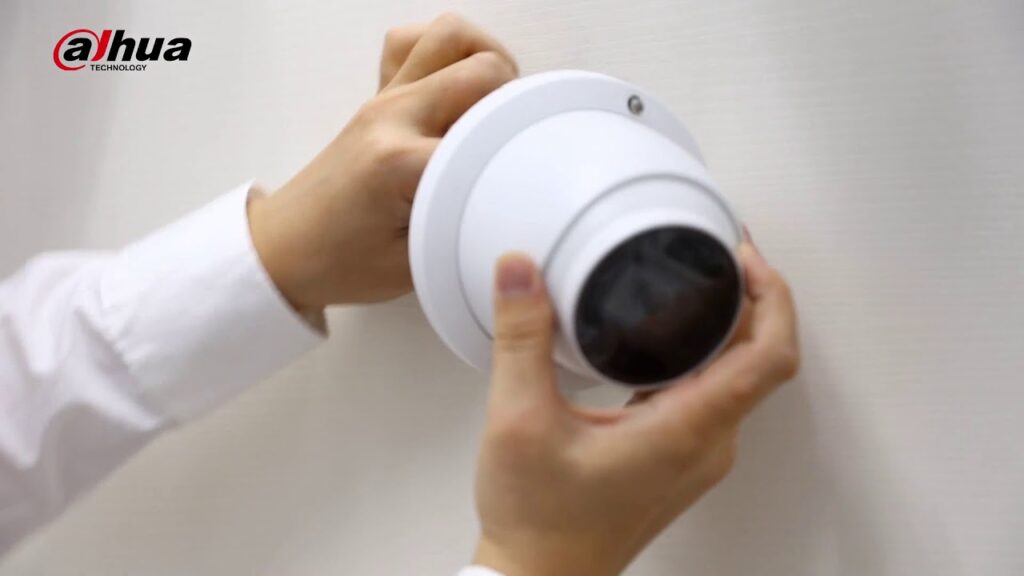
Dahua security cameras incorporate several technological innovations that make them particularly suitable for San Jose’s diverse surveillance needs:
Starlight Technology enables Dahua cameras to capture clear, color images even in extremely low-light conditions. This advanced sensor technology utilizes larger apertures and back-illuminated pixel technology to deliver superior nighttime surveillance without requiring additional lighting infrastructure. For San Jose businesses operating 24/7 or homeowners concerned about nocturnal security threats, this feature provides invaluable peace of mind.
AI-Powered Analytics represent a significant advancement in surveillance technology. Dahua’s artificial intelligence features include facial recognition, object detection, perimeter protection, and people counting. These smart analytics significantly reduce false alarms by distinguishing between human or vehicle movement and environmental factors like swaying trees or weather patterns. For San Jose commercial properties, these AI capabilities can provide valuable business intelligence alongside security functions.
High-Resolution Imaging options range from 2MP to 12MP, with many models supporting ultra-high definition 4K video at 20 frames per second. This level of detail proves essential for identifying faces, license plates, and other critical security details. Given San Jose’s position as a technology hub, property owners appreciate Dahua’s commitment to delivering cutting-edge image quality.
Power over Ethernet (PoE) support simplifies installation by allowing both power and data transmission over a single Ethernet cable. This feature significantly reduces installation complexity and costs, particularly for larger commercial installations requiring dozens of cameras across expansive facilities.
For San Jose property owners, Dahua systems offer several location-specific benefits:
The Connect San Jose program, launched by the San Jose Police Department in April 2025, encourages property owners to register their security cameras through a secure online portal. Dahua systems integrate seamlessly with this initiative, allowing optional direct feed sharing with law enforcement during emergencies through Fusus CORE devices. This public-private partnership enhances community safety while maintaining privacy controls.
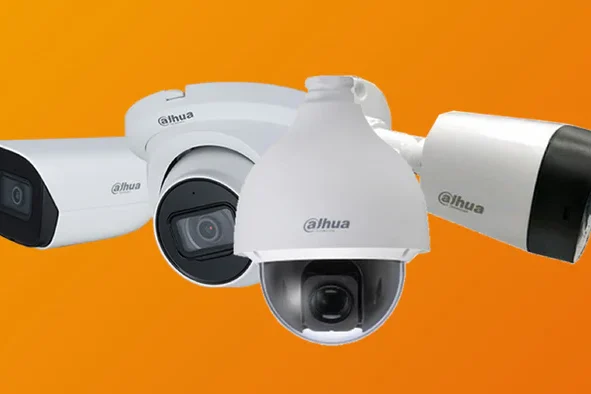
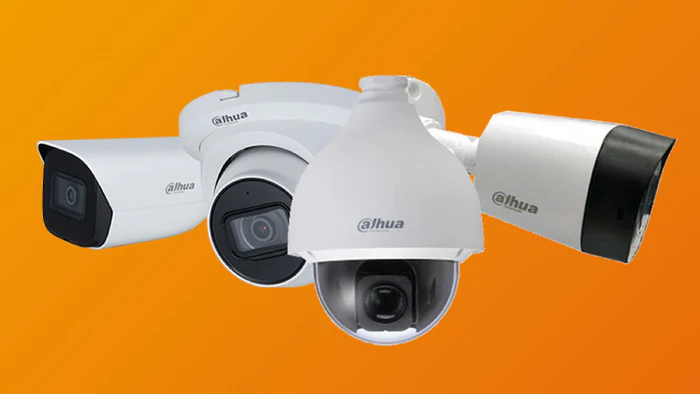
San Jose’s diverse architectural landscape, ranging from historic Victorian homes to modern Silicon Valley office complexes, demands flexible surveillance solutions. Dahua’s extensive product lineup includes dome cameras for discreet indoor monitoring, bullet cameras for focused outdoor surveillance, and PTZ (pan-tilt-zoom) models for comprehensive coverage of large areas.
The region’s mild Mediterranean climate with occasional temperature extremes requires surveillance equipment capable of withstanding various environmental conditions. Dahua cameras feature IP66 and IP67 weatherproof ratings, ensuring reliable operation during San Jose’s dry summers and occasional winter storms.
Despite their sophisticated capabilities, Dahua cameras remain competitively priced compared to comparable models from other major manufacturers. This value proposition proves particularly attractive for San Jose businesses and homeowners seeking enterprise-grade security without enterprise-level budgets.
Dahua systems are highly scalable, allowing property owners to start with a basic configuration and expand their surveillance network as needs evolve or budgets permit. This flexibility aligns well with San Jose’s dynamic business environment, where startups and growing companies require security solutions that can adapt to changing requirements.
Understanding San Jose Security Camera Regulations
Operating security cameras in California requires careful attention to privacy regulations, which have become increasingly stringent. As of 2025, several key legal requirements affect San Jose property owners:
California Penal Code Section 647 explicitly prohibits installing cameras in areas where individuals have a reasonable expectation of privacy. This includes bathrooms, locker rooms, changing areas, hotel rooms, and residential bedrooms. Violations can result in criminal charges, civil liability, and potential removal orders.
The Workplace Technology Accountability Act, implemented in 2025, requires employers to provide employees with 14-day advance written notice detailing all surveillance technologies used in the workplace. This notification must explain what is being monitored, how data will be used, and how long recordings will be retained.
Two-Party Consent Law governs audio recording in California. Unlike video recording, which is generally permissible in public areas, audio recording requires consent from all parties being recorded. Many San Jose businesses configure their Dahua systems to disable audio recording features to avoid potential violations of California’s strict wiretapping laws.
The Connect San Jose program offers two participation levels:
Level 1: Camera Registration allows property owners to register their security cameras through a secure online portal. This voluntary registration takes less than one minute and does not grant law enforcement access to live feeds. Instead, it creates a map of available cameras that investigators can reference when requesting footage following an incident. Registration carries no cost and requires no additional equipment.
Level 2: Camera Integration through Fusus CORE devices enables businesses and residents to provide San Jose Police Department with conditional access to camera feeds during nearby emergencies. Property owners retain control over when and how access is granted, with all data protected by AES 256-bit encryption. The system does not employ facial recognition technology, focusing instead on rapid evidence gathering and emergency response coordination.
California law requires contractors installing security camera systems on commercial and public properties to hold a valid State Contractors License. Licensed contractors must display their license number on all advertisements and company materials, maintain appropriate liability insurance, and warranty all installations according to updated 2025 regulations.
Many San Jose and Santa Clara County jurisdictions require permits before installing security monitoring equipment, particularly for commercial installations or systems involving extensive wiring modifications. Requirements vary by specific location and property type, making consultation with licensed professionals essential for ensuring compliance.
San Jose security camera installations should incorporate these compliance measures:
Install cameras only in areas lacking reasonable privacy expectations, focusing on building entrances, parking areas, common spaces, and publicly accessible zones. Even within private businesses, avoid monitoring private offices without explicit employee consent and business justification.
Utilize clear, visible signage informing individuals they are entering a monitored area, even though California law does not strictly require such notifications in public spaces. Prominent signage serves dual purposes: deterring potential criminals and demonstrating good-faith privacy practices.
Disable audio recording features unless specific business requirements necessitate their use and proper consent protocols can be established. The legal risks associated with California’s two-party consent requirements generally outweigh potential benefits for most installations.
Implement data retention policies that store footage only as long as reasonably necessary for security purposes, typically no longer than 30 days unless required for ongoing investigations. Excessive retention periods increase liability exposure and storage costs without proportional security benefits.
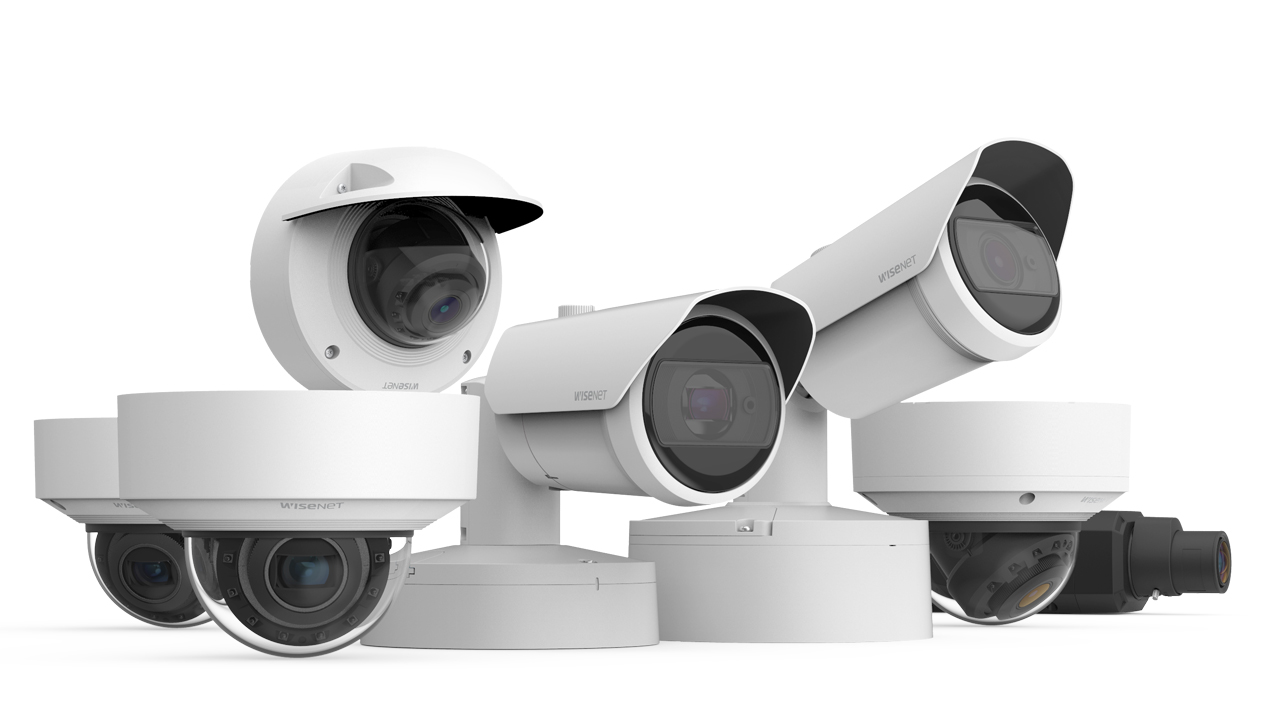
Our Brands
Installation Cost Breakdown
Network Configuration and Remote Access
San Jose’s excellent internet infrastructure typically provides ample bandwidth for Dahua camera systems, but understanding requirements helps optimize performance:
Main stream bandwidth for a 4MP camera at 20fps with H.265 compression typically consumes 2-4 Mbps. An 8-camera system might therefore require 16-32 Mbps upload capacity for simultaneous remote viewing of all cameras at full quality.
Sub-stream configuration reduces remote viewing bandwidth requirements. Configure extra streams at 720p or 480p resolution specifically for mobile viewing, consuming only 0.5-1 Mbps per camera while maintaining full-quality local recordings.
Recording bandwidth affects network infrastructure requirements. NVRs with internal storage primarily impact local network traffic when cameras connect through external switches. Calculate total camera bandwidth and ensure network switches provide adequate throughput to prevent bottlenecks during simultaneous recording, viewing, and playback operations.
Internal PoE switch topology represents the most common residential installation method. Cameras connect directly to PoE ports on the NVR, which assigns IP addresses from its isolated 10.1.1.x subnet. This configuration provides security by isolating camera traffic from the main network while simplifying setup for non-technical users.
External switch topology gives cameras direct network access, allowing third-party Video Management Software (VMS) integration and direct camera configuration without routing through the NVR. This approach suits larger installations where camera count exceeds NVR PoE port capacity or where multiple NVRs share camera access.
Hybrid configurations combine both approaches, using NVR PoE ports for some cameras while connecting others through external switches. This flexibility accommodates expanding systems without replacing NVRs when port capacity is reached.
Dahua camera systems utilize standard IP networking protocols, making them compatible with existing network infrastructure while offering multiple connection topologies:
P2P (Peer-to-Peer) technology offers the simplest remote access method. Dahua’s P2P service establishes encrypted connections between mobile apps and NVRs/cameras without requiring port forwarding configuration. Users simply scan QR codes or enter serial numbers to add devices remotely.
Security-conscious San Jose installations may prefer disabling P2P in favor of traditional port forwarding or VPN access. P2P creates outbound connections that some security policies prohibit, and users concerned about data routing through Dahua’s cloud servers often prefer direct connection methods.
Manual port forwarding provides direct remote access:
Configure your router to forward external ports to your NVR’s internal IP address. Common Dahua ports include 80 (HTTP), 37777 (TCP), and 554 (RTSP). Use non-standard external ports to reduce automated attack vulnerability, mapping external port 8888 to internal port 80, for example.
Enable DHCP reservation or static IP assignment for your NVR to prevent IP address changes from breaking port forwarding rules. Update your Dynamic DNS hostname if using dynamic IP addressing from your internet provider.
VPN access represents the most secure remote access method:
Configure a VPN server on your router or dedicated network appliance. Remote users establish encrypted VPN connections before accessing cameras, treating the remote connection as if directly on the local network. This approach eliminates individual device exposure to the internet while providing comprehensive network access.
Maintenance and Troubleshooting
Physical cleaning maintains image quality:
Clean camera lenses quarterly or more frequently for outdoor cameras in dusty environments. Use microfiber cloths and approved lens cleaning solutions, avoiding abrasive materials that scratch protective coatings.
Inspect outdoor camera housings for moisture accumulation, damaged weather seals, or insect intrusion. Clear vegetation that may obstruct views or create motion detection false alarms.
Firmware updates address security vulnerabilities and improve functionality:
Check Dahua’s official website quarterly for firmware releases. Read release notes carefully to understand changes, bug fixes, and potential compatibility impacts before updating.
Always backup NVR and camera configurations before firmware updates. Follow the manufacturer’s update procedures precisely to prevent device failures requiring professional service or replacement.
Storage management prevents recording gaps:
Monitor storage capacity regularly, ensuring adequate free space for continuous recording. Consider upgrading storage capacity if recordings approach configured retention limits before automatic overwrite occurs.
Test recording playback monthly to verify storage devices function properly. Hard drive failures can occur without obvious symptoms until attempting to access critical footage.
User account audits maintain access control:
Review user accounts quarterly, disabling those no longer requiring system access. Update passwords annually using strong, unique credentials for each user account.
Verify user permission levels remain appropriate, restricting administrative access to essential personnel while providing operators and viewers with appropriate limited access.
Common Issues and Solutions
For internal PoE connections, verify cable continuity and PoE switch functionality. Test cameras individually on known-good ports to isolate problems. Confirm cameras have compatible firmware versions with the NVR.
For external network cameras, verify IP address settings, subnet masks, and gateway configurations match network parameters. Disable Windows Firewall or security software temporarily to eliminate configuration conflicts during troubleshooting.
Poor image quality:
Clean lenses to remove dust, moisture, or insect residue. Adjust focus rings on varifocal cameras if images appear soft. Review exposure settings, ensuring cameras aren’t over or under-exposed for current lighting conditions.
Check bandwidth settings if streaming quality appears degraded compared to local viewing. Increase bitrate allocations or reduce stream resolutions if network capacity permits.
Refine detection zones to exclude areas with environmental motion like trees, flags, or traffic beyond the property perimeter. Adjust sensitivity levels to require more significant motion before triggering alerts.
Enable AI-powered human and vehicle detection to filter alerts, focusing notifications on security-relevant events rather than every motion detected.
Remote access failures:
Verify P2P service status in camera and NVR settings if using peer-to-peer connections. Confirm devices maintain stable internet connections and haven’t been disconnected from power or network.
For port forwarding configurations, verify router rules remain active and point to correct internal IP addresses. Test external access using mobile data rather than local WiFi to simulate true remote connections.
Storage device failures:
Replace failed hard drives promptly to restore recording capacity. Use enterprise-grade surveillance drives designed for continuous recording rather than consumer desktop drives with limited write endurance.
Consider RAID configurations for critical installations requiring redundancy. RAID 1 mirroring provides complete protection against single-drive failures, albeit at double the per-gigabyte storage cost.